Gemini Omni AI Video Generator

Transform text prompts and images into dynamic, cinematic videos with the Gemini Omni unified AI model

Choose a mode to get started

Drag & Drop, Paste, or Click to Upload

PNG, JPG, JPEG, WEBP, Max 24 MB

0 / 2500
Preview or apply a motion preset
Dance
LoveHeart
Old Photo
Earth Zoom
Walking
Ghibli
Cartoon
Cloth Swap
Handshake
Hugging
Aspect Ratio
Duration
Resolution

Sample Video

Use Cases

Gemini Omni AI video generator for every scenario

From product ads to social content, cinematic storytelling to explainer videos — see how Gemini Omni creates professional AI videos from text prompts and images.

E-commerce Product Showcase

Gemini Omni AI video generator turns static product images into dynamic demo videos for ecommerce listings and commercial ads. Use Gemini Omni to create 360-degree product rotations, highlight material details, and produce professional ad clips with synced audio.

Gemini Omni AI video for e-commerce product ads

Generate Video with Gemini Omni

Social Media Short Videos

Gemini Omni AI video generator converts portraits, food shots, and landscape photos into vertical short videos optimized for TikTok, Instagram Reels, and YouTube Shorts with matching audio.

Gemini Omni AI video for TikTok and Instagram Reels

Generate Video with Gemini Omni

Travel and Landscape Animation

Gemini Omni AI video generator animates travel landscape photos into vivid moving scenery with drifting clouds, flowing water, and cinematic push-ins with synced nature audio.

Gemini Omni AI video for travel vlogs and scenery

Generate Video with Gemini Omni

Portrait and Character Animation

Gemini Omni Image to Video brings portrait photos to life with natural subtle motion, gentle breathing, hair movement, and cinematic zoom with synced audio.

Gemini Omni Image to Video for portraits

Generate Video with Gemini Omni

Scene Cases

Gemini Omni AI video generator scene examples

Explore practical scenes for Gemini Omni AI video generation, text to video, image to video, and omni AI video creation.

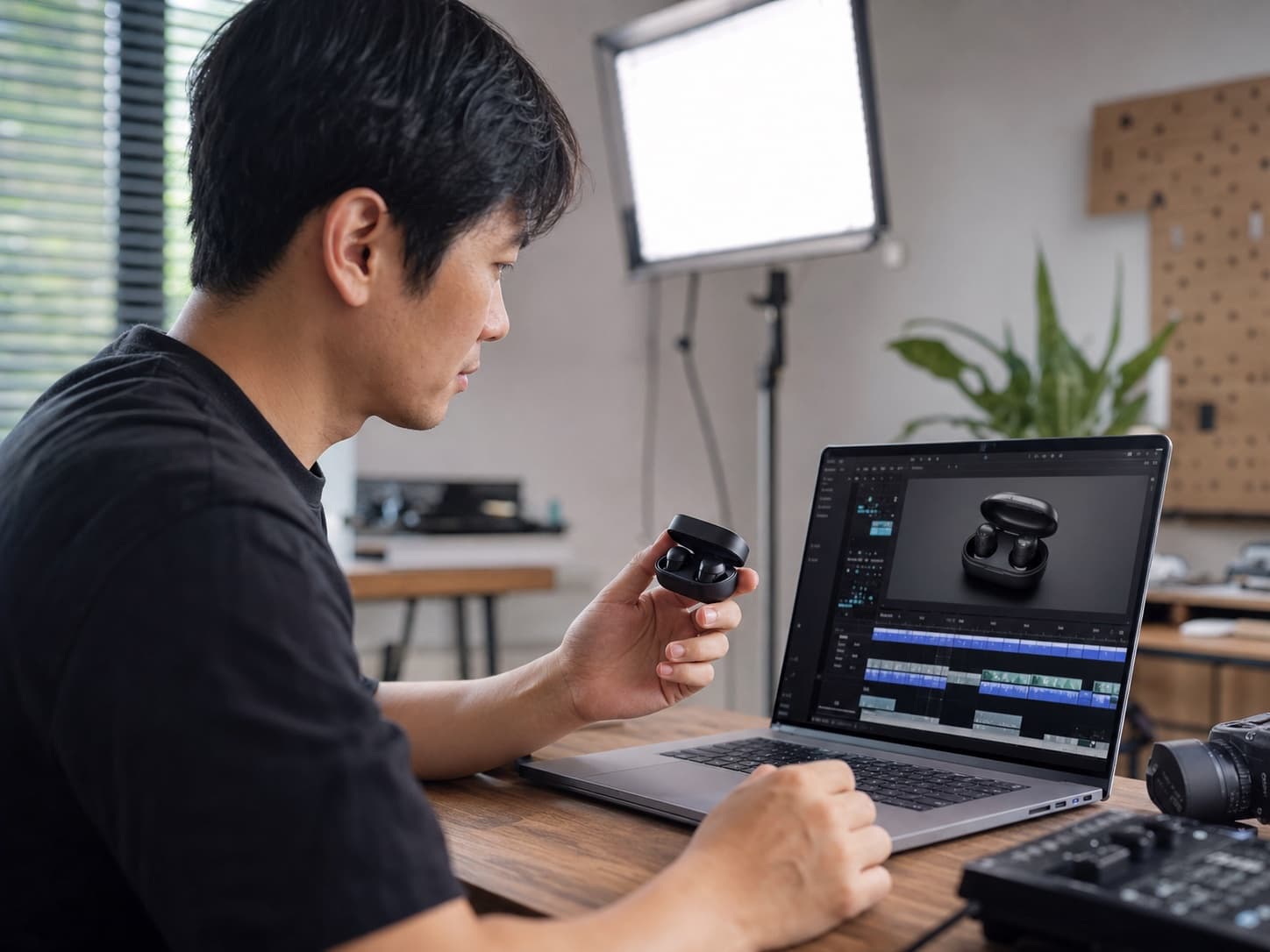
E-commerce creator using Gemini Omni AI video generator to create a demo video from a wireless earbuds product photo

Gemini Omni AI video for e-commerce

Turn product photos into demo videos

Scene

For product pages, ad creatives, and social commerce content, turn one product image into a short demo video with camera push-ins, orbit motion, and detail movement using Gemini Omni.
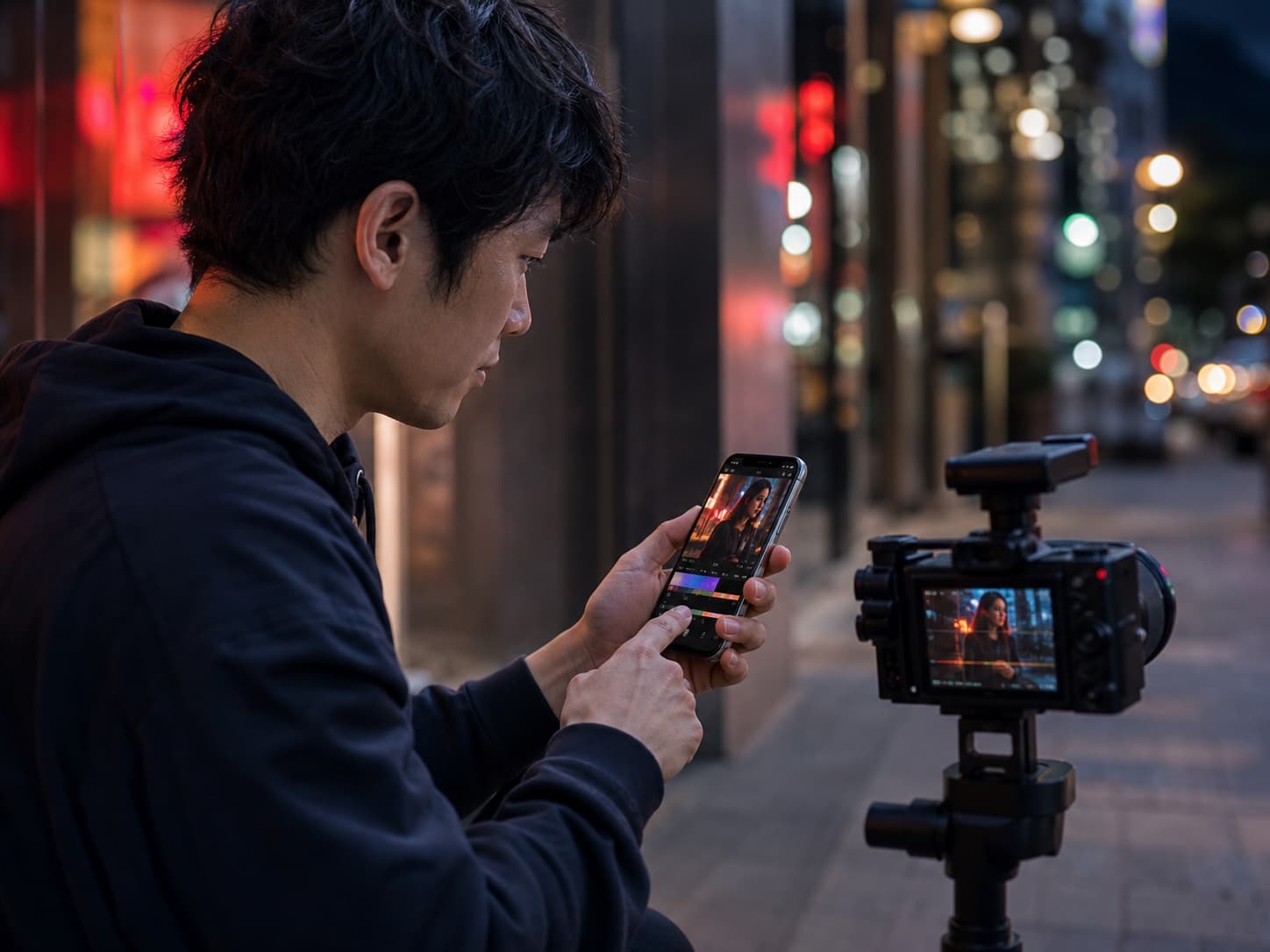
Social creator using Gemini Omni AI video generator for a vertical short video

Gemini Omni AI video generator

Create social shorts from one prompt

Scene

For TikTok, Instagram Reels, and YouTube Shorts, use Gemini Omni to generate a vertical video from a text prompt with natural motion, camera movement, and city atmosphere.

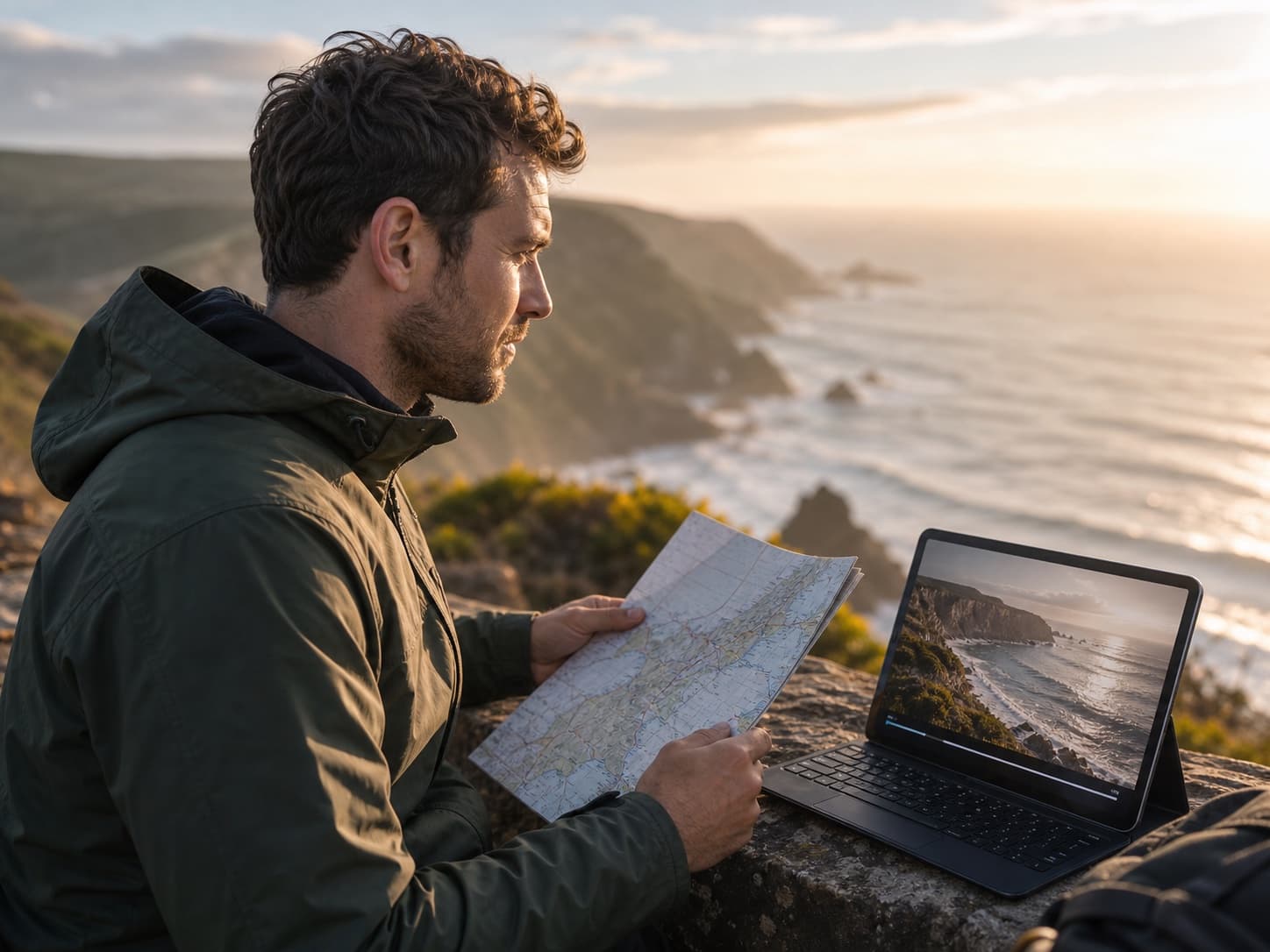
Travel creator using Gemini Omni omni ai video to animate a coastline photo

omni ai video

Make travel photos feel cinematic

Scene

For travel vlogs, scenery posts, and live wallpapers, use Gemini Omni to convert coastline, sunrise, cloud, and water photos into smooth cinematic video clips with synced audio.

Person using Gemini Omni Image to Video to animate a portrait with realistic motion and audio

Gemini Omni Image to Video

Animate portraits with Gemini Omni

Scene

For character videos, brand content, and social portraits, use Gemini Omni Image to Video to add gentle breathing, eye motion, and natural camera zoom with synced audio.

How it works

How to create AI videos with Gemini Omni

The Gemini Omni AI video generator works best with detailed prompts that describe the scene, camera movement, mood, and audio style. Upload a reference image for visual anchoring.

1

Write a prompt or upload an image

Start Gemini Omni AI video generation by writing a detailed prompt describing your scene, or upload a reference image for visual anchoring.

2

Describe the motion and audio

Tell Gemini Omni what should move, how the camera should behave, what style the video should use, and what audio should accompany the visuals.

3

Generate and review

The Gemini Omni AI video generator creates a cinematic clip with synced audio in 30 to 90 seconds. Preview and refine through conversational editing.

4

Download the video

Export your Gemini Omni AI video result for social channels, ads, websites, product pages, presentations, or client demos.

What People Are Saying About Gemini Omni on X

Gemini Omni AI Video Generator Demos & Tutorials

Loading...

FAQ

Gemini Omni AI video generator FAQ

Clear answers for people comparing AI image to video tools, old photo animation, and photo to video workflows.

Gemini Omni AI video generator is a unified omni-model tool that turns text prompts and images into cinematic video clips with synced audio, native 4K output, and conversational editing in one platform.

Write a detailed prompt describing the scene, camera movement, mood, and audio style. Gemini Omni reads paragraph-long briefs and generates a matching video in under 90 seconds.

Yes. Upload a product photo, portrait, or reference frame and Gemini Omni uses it as a visual anchor to generate a consistent video with matching motion and audio.

The site offers a free entry flow so users can test the Gemini Omni AI video generator workflow before choosing paid credits for higher resolution and longer clips.

Detailed prompts with scene description, camera movement, mood, lighting, and audio style produce the best Gemini Omni AI video results. Professional cinematography terms translate well.

Yes. You can use generated videos for marketing, social media, ecommerce, and creative projects when you have the rights to the uploaded images and follow the service terms.

Start creating with Gemini Omni AI video generator

Write a prompt or upload an image and create your first Gemini Omni AI video for social media, marketing, product storytelling, or cinematic motion design. The unified omni-model delivers finished clips with synced audio in one pass.

Generate Video with Gemini Omni